
Artificial intelligence has moved far beyond being a technology discussed mainly by researchers and technology companies. In 2026, AI tools have become part of everyday life for students, professionals, freelancers, researchers, and business owners. From understanding difficult subjects and organizing research to writing, coding, creating presentations, and managing everyday work, the right AI assistant can save time while helping people work more effectively.
However, the growing number of AI platforms has created another problem: choosing the right one. There are now countless tools designed for different tasks, and not every tool is useful for every person. A student preparing for an examination may need a very different AI solution from a software developer or marketing professional.
This guide looks at some of the most useful AI tools for students and professionals in 2026 and explains where each one can fit into a practical workflow.
Why AI Tools Matter in 2026
The biggest advantage of modern AI tools is not simply that they can generate text. Their real value comes from helping people understand information, organize ideas, analyze material, and complete repetitive tasks more efficiently.
For students, AI can act as a learning companion. It can explain complicated concepts in simpler language, create practice questions, help organize notes, and provide feedback on drafts. Tools such as ChatGPT’s Study Mode are designed to guide learners through concepts and encourage them to understand the material rather than simply receiving an answer.
Professionals can use AI differently. A marketer might use it to brainstorm campaign ideas and analyze customer research, while a developer can use AI for debugging and documentation. A business professional may use it to summarize lengthy information, prepare meeting materials, or structure reports.
The important point is that AI works best as an assistant rather than a replacement for human judgment.
ChatGPT: A Versatile AI Assistant
ChatGPT remains one of the most flexible AI tools available for both students and working professionals. Its usefulness comes from the range of tasks it can support rather than one specific function.
Students can use it to understand difficult topics, practice questions, organize study plans, brainstorm ideas, and receive feedback on their writing. Professionals can use it for research, drafting documents, brainstorming, summarizing information, and solving everyday problems.
One particularly useful feature for learners is Study Mode, which can guide users through questions, explanations, and quizzes instead of simply providing a final answer. It can also work with uploaded study materials such as notes, PDFs, slides, and worksheets.
The best way to use a tool like ChatGPT is to treat it as a thinking partner. Instead of asking it to complete an assignment from beginning to end, users can ask it to explain a difficult concept, identify gaps in their understanding, or challenge their reasoning.
Google Gemini: Useful for Learning and Everyday Work
Google Gemini is another strong option for people who already work extensively with Google’s ecosystem. Its integration with Google’s productivity and education environment makes it useful for research, writing, brainstorming, and learning.
Google has also continued developing AI features specifically for education. Its study-focused tools can help students create personalized learning experiences from their goals and study materials. Google says its study notebooks can generate interactive lessons and connect with uploaded materials, making them useful for personalized learning.
For professionals who already rely on Google services, Gemini can also fit naturally into an existing digital workflow. Instead of switching between many separate applications, users can increasingly combine AI assistance with the tools they already use.
Gemini Notebook: A Better Way to Study From Your Own Material
One of the most interesting developments in AI-powered learning is the evolution of Google’s NotebookLM, which Google renamed Gemini Notebook in July 2026. Google describes it as a research and learning tool that can work with users’ own sources.
This makes it particularly useful for students who have large amounts of material to review. Instead of asking a general chatbot about a subject, a student can work with their own notes, readings, and other permitted study materials.
Imagine preparing for an examination with several lecture PDFs and class notes. Rather than repeatedly searching through every document, an AI notebook can help organize the material, answer questions based on those sources, and create useful study resources.
For researchers and professionals, the same idea can be applied to reports, documentation, research material, and other large collections of information.
Claude: Strong for Writing and Complex Information
Claude is another AI assistant that can be valuable when the task involves long-form writing, analysis, or careful reasoning.
Students can use it to review an essay structure, improve clarity, discuss complex readings, or explore different approaches to a research topic. Professionals can use it for reports, brainstorming, documentation, and analyzing lengthy information.
The key advantage of using AI for writing should not be producing something that sounds impressive. It should be improving the quality of the thinking behind the writing. A student, for example, can use an AI assistant to identify weak arguments and then make the final decisions themselves.
That distinction is important because AI-generated information can still contain mistakes. Human review remains essential.
Perplexity: Useful for Research
When the main requirement is finding information quickly and following sources, Perplexity can be a useful addition to an AI toolkit.
Research often involves more than asking a question and accepting the first response. Users need to compare information, investigate sources, and determine whether a claim is reliable. AI-powered research tools can reduce the time required to get started, but important facts should still be checked against the original sources.
This makes research-oriented AI particularly useful for students preparing reports and professionals gathering background information.
The most effective workflow is often to use AI to discover and organize information, then read the underlying sources before making an important decision.
GitHub Copilot: A Practical Choice for Developers
For students and professionals working in software development, coding assistants can have a very different role from general-purpose chatbots.
GitHub Copilot can help developers write code, understand existing code, generate suggestions, and work through programming problems. For students learning programming, this can be useful when used as a tutor rather than as a shortcut.
For example, instead of asking an AI tool to write an entire project, a learner can ask why a particular function is failing, request an explanation of an error, or explore different approaches to solving a programming problem.
This approach helps build actual technical skills while still taking advantage of AI.
Canva AI: Helpful for Presentations and Visual Content
Not every AI task involves writing or research. Students and professionals frequently need presentations, social media graphics, reports, posters, and other visual material.
Canva’s AI-powered features can help users generate and edit visual content without requiring advanced design skills. This can be particularly helpful for students preparing presentations and professionals creating marketing or business materials.
The important advantage is speed. Someone who might spend hours starting a presentation from scratch can use AI-assisted design features to create an initial direction and then refine it manually.
Good visual communication still requires human judgment. AI can help with the starting point, but users should review layouts, facts, images, and branding before publishing anything.
How Students Can Use AI Without Becoming Dependent on It
The biggest mistake students can make with AI is using it only to obtain answers.
Learning becomes much more effective when AI is used to support the process. A student can ask an AI tool to explain a difficult concept, create practice questions, challenge their understanding, or provide feedback on an answer they have already written.
This approach turns AI into a study partner rather than an answer generator.
Students should also follow their school’s or university’s rules regarding AI use. Academic policies can differ, and submitting AI-generated work as original work may violate institutional requirements.
How Professionals Can Get More Value From AI
Professionals can benefit from AI when they focus on repetitive and time-consuming parts of their work.
A marketing professional might use AI to organize research and brainstorm campaign concepts. A project manager can use it to structure meeting notes and identify action items. A developer can use coding assistance during development and debugging. A researcher can use AI to summarize large amounts of material before examining the original sources.
The goal should not be to automate everything. Instead, AI should remove unnecessary repetitive work so people can spend more time on decisions, creativity, communication, and strategy.
Choosing the Right AI Tool
There is no single AI tool that is perfect for everyone.
A student who mainly needs help understanding lessons may benefit from ChatGPT or Gemini. Someone working extensively with personal research documents may prefer Gemini Notebook. A developer may get more value from GitHub Copilot, while someone focused on visual presentations may prefer Canva’s AI features.
The best choice depends on the task, not simply on which tool is currently the most popular.
It is also worth starting with free versions where available. Users can then determine whether a particular tool genuinely improves their workflow before paying for additional features.
The Future of AI for Students and Professionals
AI tools are becoming more capable, but their long-term value will depend on how people use them.
The strongest users are unlikely to be those who simply ask AI to do everything for them. They will be people who understand how to ask better questions, verify information, evaluate responses, and combine AI assistance with their own knowledge.
For students, that means using AI to learn more effectively. For professionals, it means using AI to reduce repetitive work and make better-informed decisions.
In 2026, the question is no longer whether AI can be useful. The more important question is how to use it responsibly and effectively.
Final Thoughts
The best AI tools for students and professionals are not necessarily the ones with the longest list of features. They are the tools that solve a real problem and fit naturally into a person’s daily workflow.
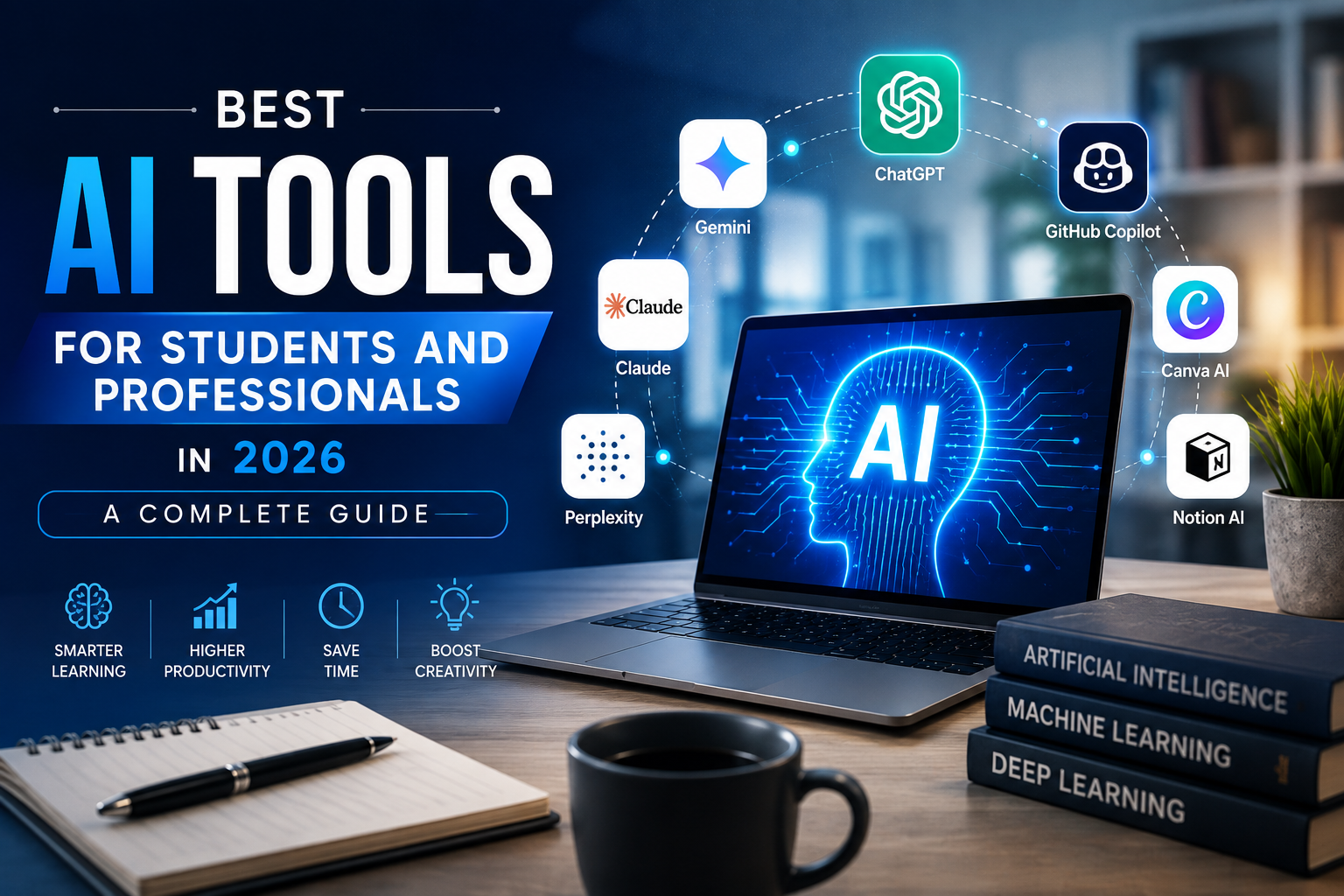
ChatGPT and Gemini offer broad assistance, Gemini Notebook is valuable for working with personal study and research material, Claude can support detailed writing and analysis, Perplexity can help with research, GitHub Copilot can assist developers, and Canva can simplify visual creation.
Used thoughtfully, these tools can save time while helping people learn, create, research, and work more efficiently. But AI should remain a support system—not a substitute for critical thinking, original work, or human judgment.